Admin Guide · Billing
Plans, seats and invoices
1 min read · Updated
Your organization’s plan, seats and invoices are on the Billing tab. Organization admins manage it.
The plans
- Free — up to 5 people, no card needed, no expiry.
- Monthly — $5 per person per month.
- Yearly — $51 per person per year, 15% less than paying monthly.
Prices are on the pricing page.
See your plan and seats
- Click Organization and open the Billing tab. It opens on Overview.
- Current plan shows your plan and how many members you have.
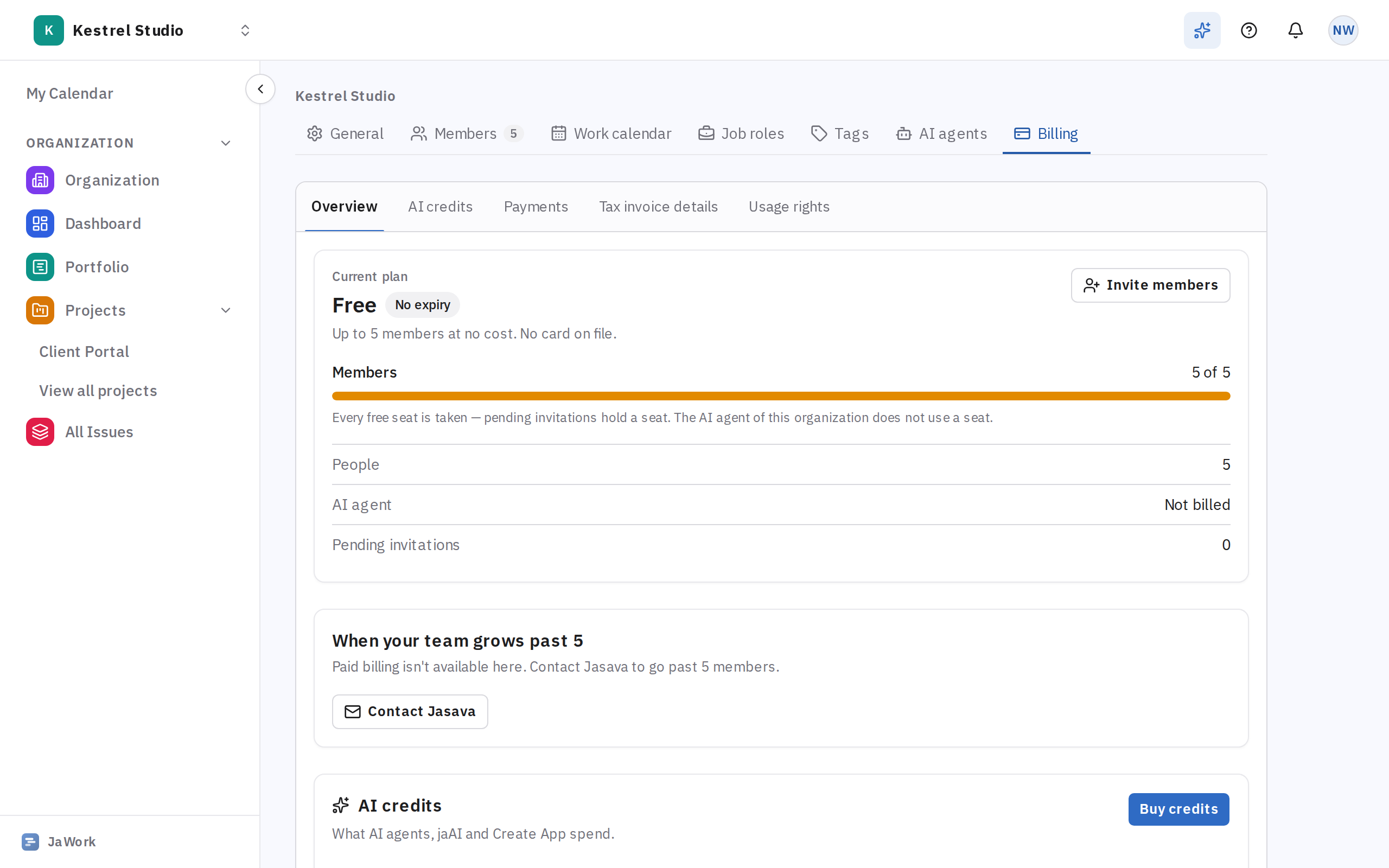
How seats are counted:
- every person who uses JaWork takes a seat;
- a pending invitation also holds a seat until it is accepted or cancelled;
- your AI agent is not billed and takes no seat.
Invite members takes you to the Members tab.
Go past five people
When your team grows past five, choose Monthly or Yearly under “When your team grows past 5” and add a card. On a paid plan, the Overview shows the next bill, seat changes in this cycle and your payment method, with Switch to annual or Switch to monthly. A switch takes effect at the end of the current cycle.
If paid billing isn’t offered on your organization, click Contact Jasava.
Payments and tax invoices
- Payments lists what you have paid, with each invoice and receipt.
- Tax invoice details holds the company name, address and tax ID printed on your invoices.
- Usage rights holds the usage-rights documents Jasava issues for your organization.
Tip: Before inviting someone on a full Free plan, cancel invitations nobody will accept — they hold seats too.
AI credits are billed separately: see AI credits.
Was this helpful?
Thank you — it helps us improve the guides.
Still stuck? The assistant answers from these guides, and a person takes over when it can't.
Chat with us