Admin Guide · AI agents
AI credits
1 min read · Updated
AI work in JaWork is paid for in AI credits, shared by the whole organization. A question to jaAI, a run by an AI agent and a plan drafted from your documents each use some.
What your plan includes
- A new organization gets 10 trial credits, valid for 30 days.
- On the Monthly and Yearly plans, the organization gets 1 credit a week for each person.
- Bought credits never expire.
See your balance
- Click Organization and open the Billing tab.
- Open AI credits.
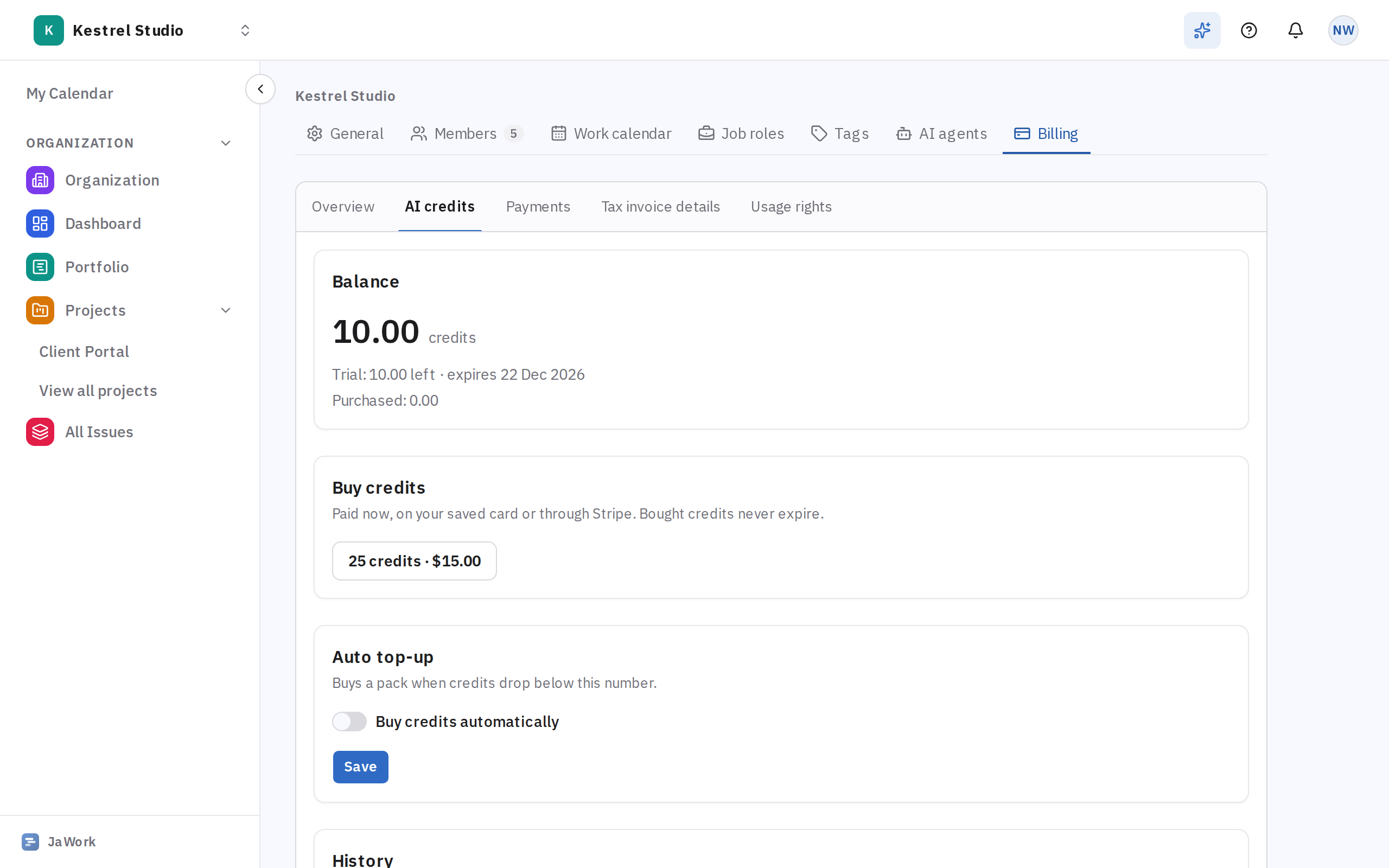
Balance shows what is left, split into trial and purchased credits, with the trial’s expiry date. History, further down, lists what was used and bought.
Buy credits
Under Buy credits, click the pack — 25 credits · $15.00. It is paid now, on your saved card or through Stripe.
Top up automatically
- Under Auto top-up, turn on Buy credits automatically.
- Choose the number below which a pack is bought.
- Click Save.
Know before you spend
Buttons that use AI, such as drafting a plan, carry a purple AI mark with their usual cost, such as AI 0.4. Hover over it to see the cost and your balance. When there aren’t enough credits, the button is turned off and tells you why.
jaAI’s box shows no costs. What each question used is listed in History on this tab, and when credits run out jaAI says so in the conversation.
Tip: On the Agent tab, each column’s model shows the usual cost of one run, so you can pick a cheaper model for simple jobs.
Plans and seats are explained in plans, seats and invoices.
Was this helpful?
Thank you — it helps us improve the guides.
Still stuck? The assistant answers from these guides, and a person takes over when it can't.
Chat with us